Free Online AI Brighten Image Tool
Upload your photo and let AI brighten it
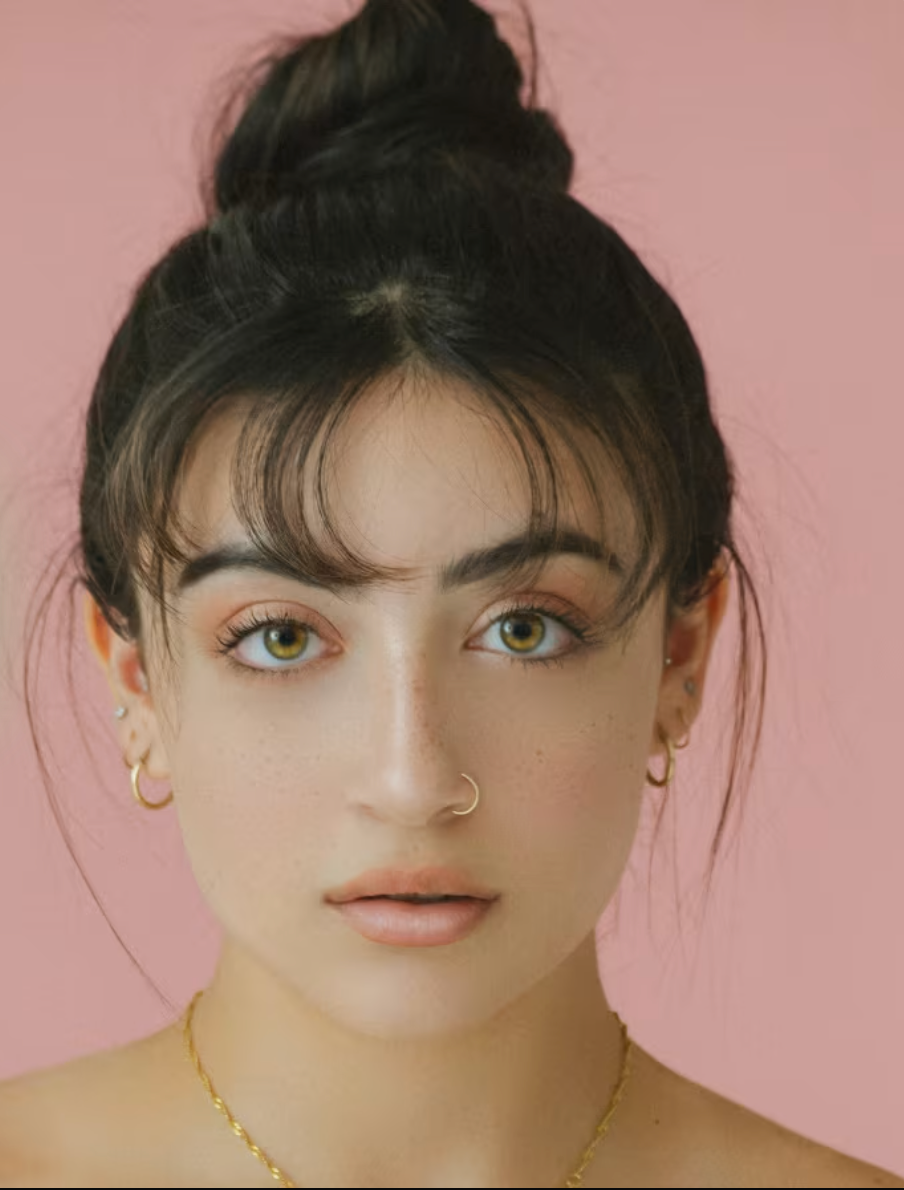
See the Difference: Before and After Brighten Image Results
See the transformation: from dark and underexposed to bright and vibrant with our brighten image tool. The brighten image feature automatically detects and enhances shadow areas while maintaining highlight details for perfectly balanced results.

How to Use AI Brighten Image Tool
Upload Your Photo
Choose the dark or underexposed image you want to brighten and upload it to our platform. Our brighten image tool supports popular formats including JPEG, PNG, WebP, and BMP, making it easy to work with photos from cameras, smartphones, or downloaded files. Simply drag and drop or click to select your file and let our brighten image technology work its magic. The brighten image process begins immediately after upload.
AI Brighten Image Process
Our advanced AI analyzes your image using deep learning models trained on millions of well-exposed photos. The brighten image algorithm intelligently adjusts brightness, contrast, and exposure levels while preserving natural colors and authentic details. This process reveals hidden details in shadow areas, enhances overall visibility, and eliminates the need for manual editing. The brighten image tool automatically detects optimal brightness levels for your specific photo. When you brighten image files with our tool, the AI ensures professional-quality results every time.
Download Brightened Image
Once processing completes, preview your brightened image and download it in high quality. Files processed through our brighten image tool are optimized for various applications—from social media posts and personal archives to professional portfolios and printing. All downloads maintain original quality while offering significantly improved brightness and visibility. The brighten image feature ensures your photos look their best. You can brighten image files and download them instantly without any watermarks.
Key Features of Brighten Image Tool
Advanced AI Brighten Image Technology
Powered by neural networks trained on millions of well-exposed images, our brighten image tool delivers intelligent brightness enhancement that goes beyond simple exposure adjustment. The AI understands lighting conditions, recognizes shadow areas, and intelligently brightens images with remarkable accuracy, producing results that look naturally enhanced rather than artificially overexposed. The brighten image algorithm preserves authentic colors and details.
Reveal Hidden Details
Transform dark, underexposed photos into bright, detailed images that reveal previously hidden information. Our brighten image feature intelligently enhances shadow areas while maintaining highlight details, ensuring balanced exposure throughout your photo. Whether working with low-light photography, backlit subjects, or underexposed images, the brighten image tool brings out the best in every photo. When you brighten image files, hidden details become visible without overexposing bright areas.
Preserves Natural Colors
Maintain the original character and color accuracy of your photos while dramatically improving brightness. Our brighten image tool carefully preserves authentic color tones, natural skin tones, and accurate color representation, ensuring brightened images retain their genuine appearance without looking washed out or color-shifted. The brighten image process maintains color balance throughout enhancement. This makes our brighten image solution ideal for professional photography work.
Fast Brighten Image Processing
Get professional brightening results in seconds, not hours. Our optimized infrastructure ensures rapid processing without compromising quality. The brighten image tool handles images efficiently, making it perfect for both individual photos and batch processing workflows. Whether you need to brighten image files for social media, professional portfolios, or personal archives, our tool delivers fast results.
Multiple Format Support
Work with all common image formats including JPEG, PNG, WebP, and BMP. Our brighten image tool maintains color profiles and metadata throughout the enhancement process, ensuring compatibility with professional workflows and preserving important image information. You can brighten image files from any source—cameras, smartphones, scanners, or downloaded files. The brighten image feature works seamlessly across all supported formats.
No Watermarks or Quality Loss
Download your brightened images in full resolution without any watermarks or compression artifacts. Files processed through our brighten image tool are ready for professional use, whether for printing, digital publishing, or personal archives. The brighten image feature ensures high-quality output that maintains original image integrity while significantly improving brightness and visibility.
Frequently Asked Questions About Brighten Image Tool
What is a brighten image tool and how does it work?
A brighten image tool is an AI-powered solution that enhances photo brightness and exposure using advanced machine learning algorithms. Unlike traditional brightness adjustment that simply increases overall exposure, our brighten image tool analyzes lighting conditions, shadow areas, and highlight regions to intelligently brighten images while preserving detail. The AI understands context and applies selective brightening to dark areas while maintaining properly exposed regions. Simply upload your dark or underexposed photo, and the brighten image tool processes it automatically to reveal hidden details and improve overall visibility.
What file formats does the brighten image tool support?
Our brighten image tool supports all common image formats including JPEG, PNG, WebP, BMP, and TIFF. You can upload images from cameras, smartphones, scanners, or downloaded files. After processing, brightened images are available in high-quality formats optimized for your intended use—whether for social media posts, web publishing, printing, or digital archives. The brighten image tool preserves original color profiles and metadata to maintain compatibility with professional workflows and editing software.
How much can the brighten image tool improve photo brightness?
Our brighten image tool can significantly improve brightness and visibility in dark or underexposed photos, often revealing details that were previously hidden in shadows. The exact improvement depends on your source image's initial exposure level, dynamic range, and content type. For best results, start with images that have some detail in shadow areas—the brighten image algorithm works exceptionally well on low-light photography, backlit subjects, and underexposed images. The tool intelligently brightens dark areas while preserving highlight details, producing balanced, natural-looking results suitable for professional use.
How long does it take to brighten image files?
Processing time varies based on image size and complexity, but most images are brightened within 30-60 seconds. Our optimized infrastructure ensures fast processing without compromising quality. Smaller images typically process faster, while very large files may take slightly longer. The brighten image tool provides real-time progress updates so you know exactly when your brightened image is ready. Whether you need to brighten image files individually or in batches, our tool delivers efficient, professional results.
Will the brighten image tool work on very dark or extremely underexposed photos?
Yes, our brighten image tool can improve very dark, underexposed, or low-light images, though results are best when starting with photos that have some recoverable detail in shadow areas. The AI analyzes patterns and intelligently brightens dark regions, often revealing details that weren't visible before. However, extremely underexposed images with no recoverable information may have limitations. For severely dark photos, the brighten image tool will still improve overall visibility and brightness, making them more usable even if some detail loss occurred in the original capture. The brighten image feature works particularly well on photos taken in low-light conditions, indoor settings, or backlit situations.
Is my image data secure when using the brighten image tool?
Absolutely. We prioritize your privacy and data security. All images uploaded to our brighten image tool are encrypted during processing and automatically deleted from our servers shortly after you download your brightened image. We never share, sell, or use your images for training purposes. Your photos remain completely private and secure throughout the entire brighten image enhancement process. Whether you need to brighten image files for personal use or professional projects, your data is protected.